Introduction
If you work in construction, you already know the pain of delayed payments. You finish a phase of the build, submit your bill, and then... crickets. The general contractor or client comes back a week later asking for clarification on materials versus labor costs.
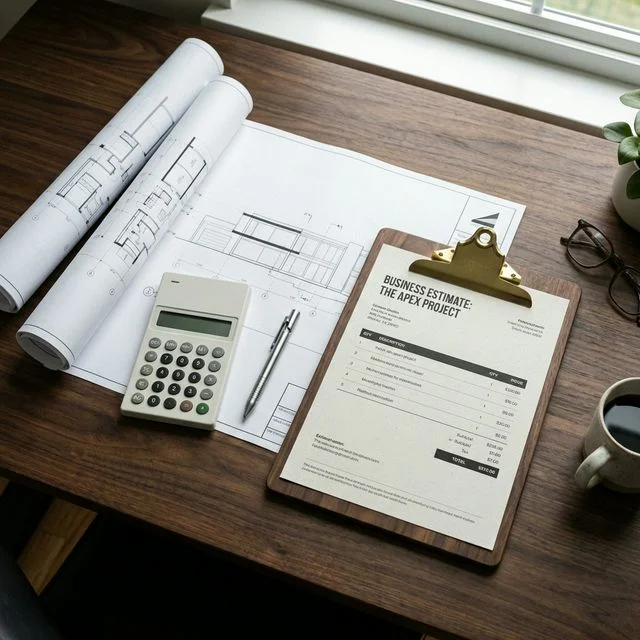
Construction billing is complex. A simple lump-sum invoice rarely cuts it. Clients and project managers need granular details to approve draw requests. If your invoice lacks transparency, your cash flow halts.
In this post, we'll look at the exact structure of a high-converting construction invoice. You'll learn how to itemize effectively and why separating your costs is the secret to getting paid on time.
The Anatomy of a Perfect Construction Invoice
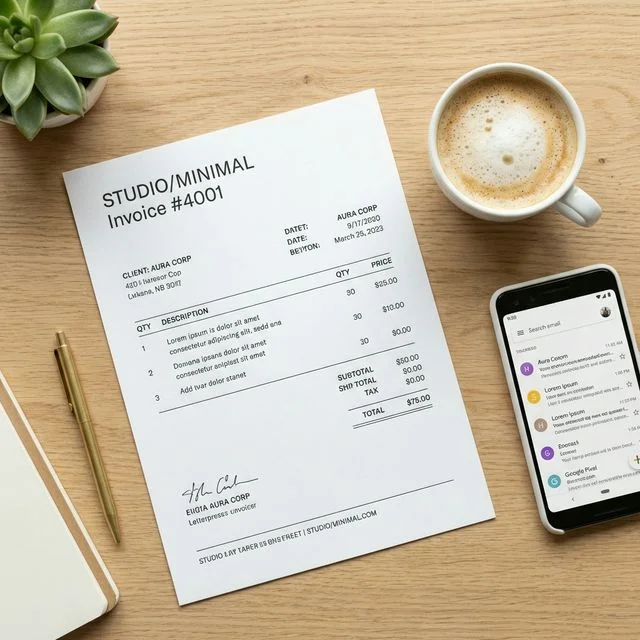
A standard construction invoice template free download usually misses the industry-specific fields you actually need. Here is what you must include:
1. Project and Contract Details
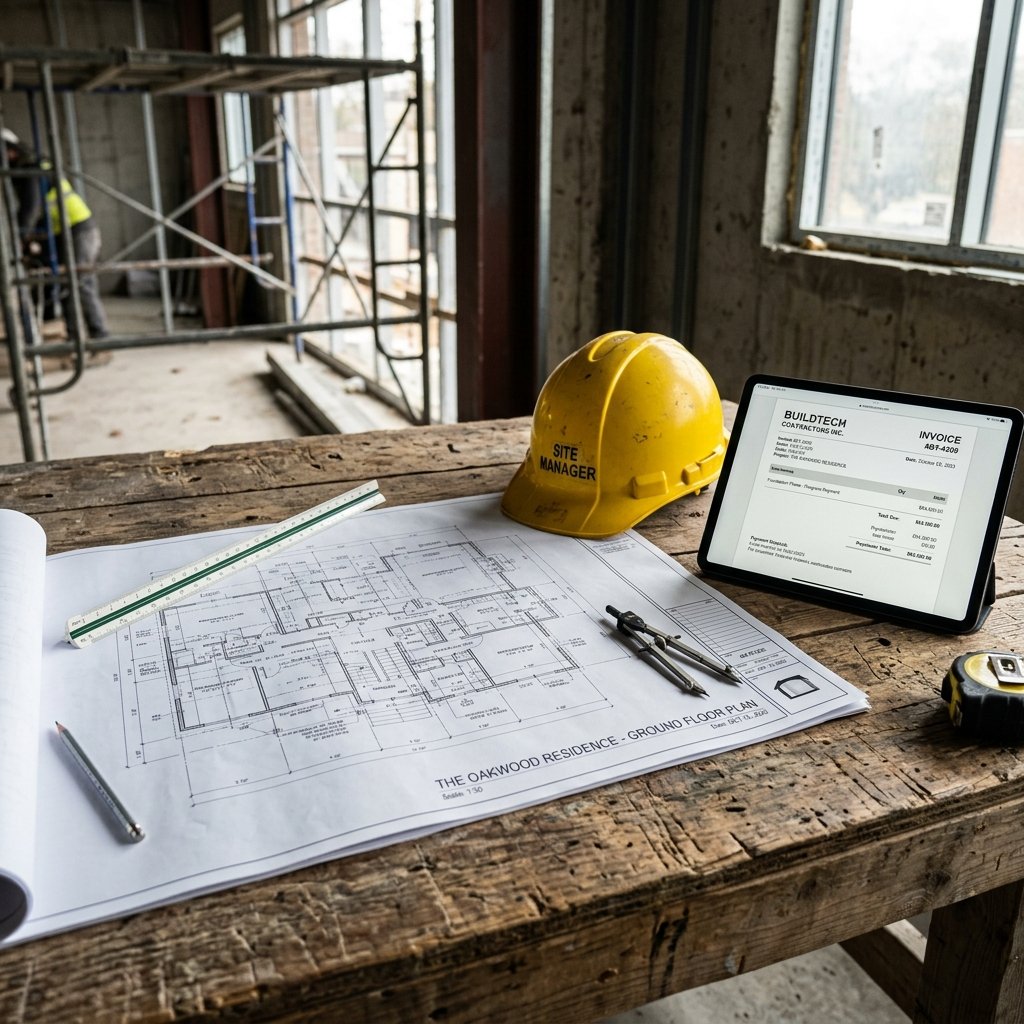
Always include the specific project location, the project name, and the contract number. If you are a subcontractor, the GC needs this to map your bill to their budget.
2. The Cost Breakdown Triangle
The golden rule of a contractor invoice generator online is separating your costs into three distinct buckets:
- Materials: Lumber, concrete, fixtures. Show the quantity and unit price.
- Labor: The hours worked multiplied by the hourly rate of the crew.
- Equipment: Rentals like excavators or scaffolding.
3. Retainage (If Applicable)
In commercial construction, it's common for 5-10% of the invoice to be withheld until project completion. Ensure your builder invoice template PDF clearly shows the retainage deduction so the math adds up.
💡 Pro Tip: Take progress photos. Attach a page of photos to the end of your PDF invoice showing the completed work. It provides undeniable proof of progress and speeds up the approval process immensely.
Common Construction Billing Mistakes
- ❌ Mistake: Billing a single lump sum for "Phase 1 completion."
- ✅ What to do instead: Itemize the exact materials and labor hours that went into Phase 1.
- ❌ Mistake: Forgetting to add your tax or worker's compensation numbers.
- ✅ What to do instead: Put your business registration and tax ID numbers permanently in your invoice header.
FAQ Section
Is there a specific subcontractor invoice generator?
Yes. Our free construction invoice generator is perfectly suited for subcontractors. It includes fields for contract numbers, detailed work descriptions, and separate lines for materials and labor.
Do I need to attach material receipts to my invoice?
Usually, yes. For "cost-plus" contracts, clients will require copies of the actual receipts for materials. For fixed-price contracts, a detailed line item on the invoice is often enough, but always keep your receipts just in case.
How do I bill for a project that spans several months?
Use progress billing. Submit an invoice at the end of each month (or milestone) representing the percentage of work completed. For example, if the framing is 50% done, bill for 50% of the framing line item.
Key Takeaways
- Always separate materials, labor, and equipment on your invoice.
- Include the contract number and specific project address.
- Use progress billing for long-term projects to maintain healthy cash flow.
Conclusion
Here's the bottom line: transparency is the currency of construction billing. The more detailed and organized your invoice is, the faster the client or GC can approve it.
Stop wrestling with Excel spreadsheets. Try our free Construction Invoice Generator today and create a flawless, itemized PDF in minutes.